A distraction-free novel writing app for Mac and Windows

A beautiful writing app for real drafts.

Reverie is a writing app built for the days the words won't come. A quiet place to get you writing again, and to take a novel from a blank page to a finished manuscript.

macOS and Windows. 15-day free trial.

You know
the feeling.

You open your document. The cursor blinks. You re-read the last paragraph for the third time. You check your word count. You adjust the font size. You open a different app. You come back. The cursor is still blinking.
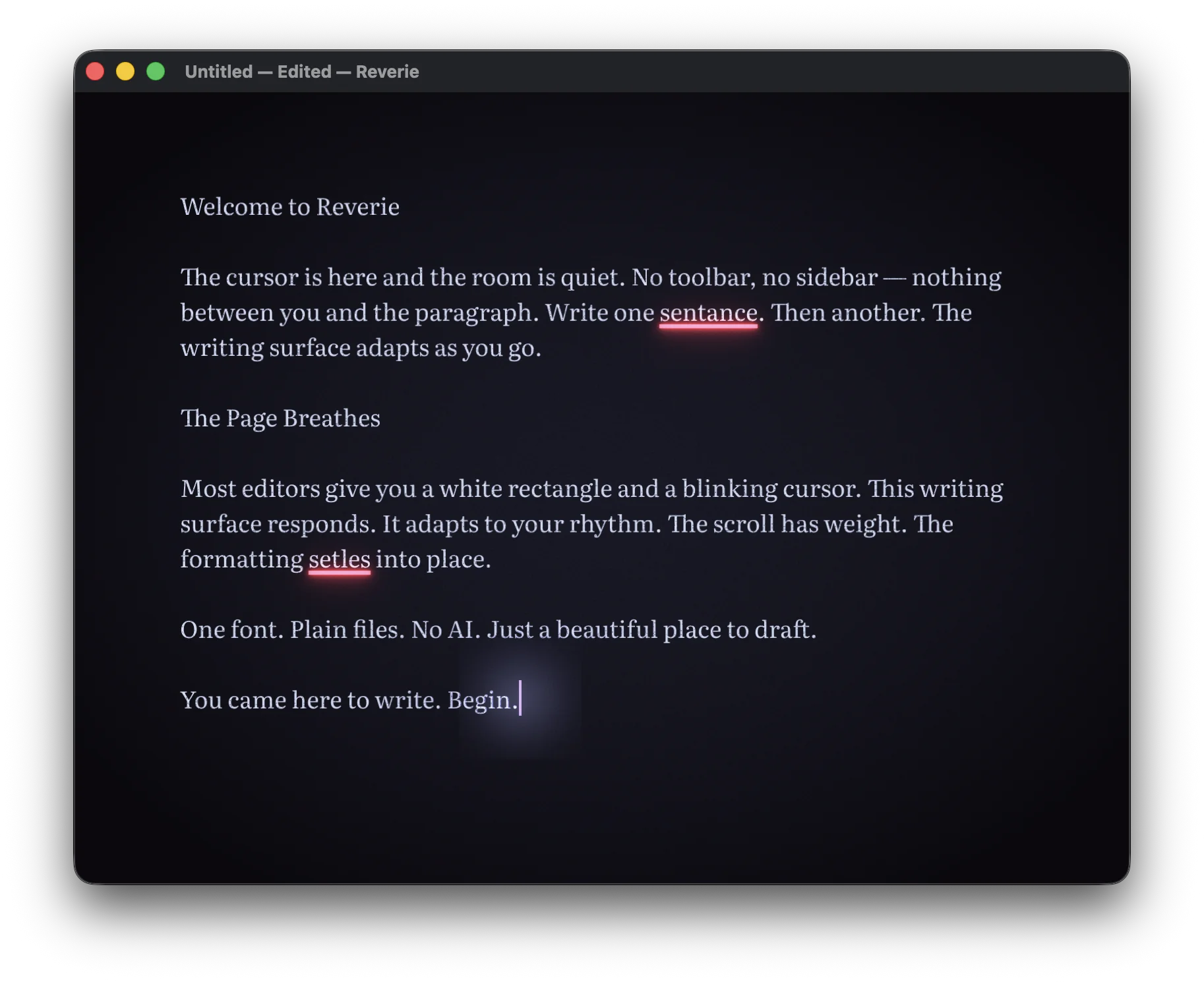
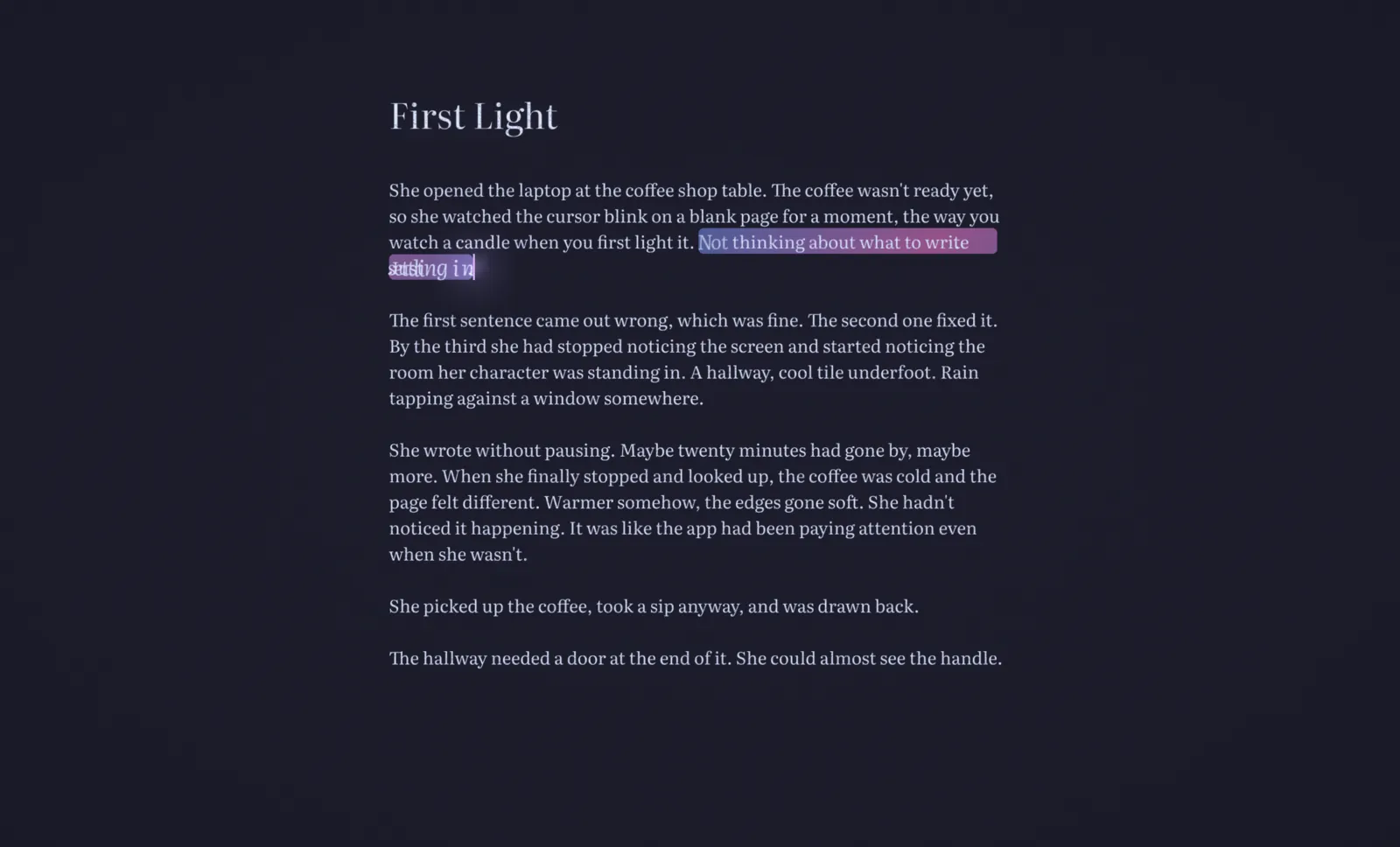
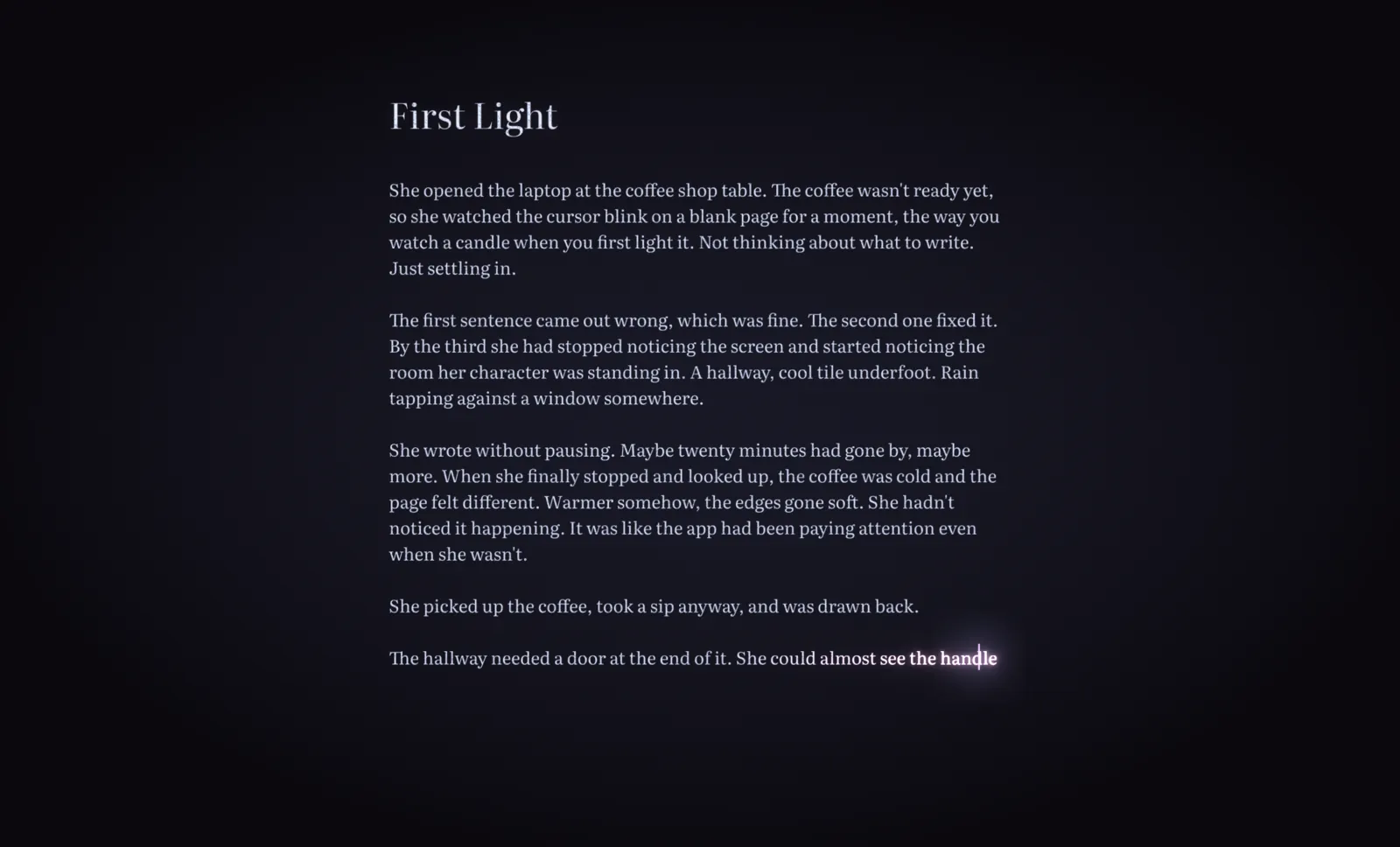
Reverie's writing surface - a warm, dark page with a glowing cursor

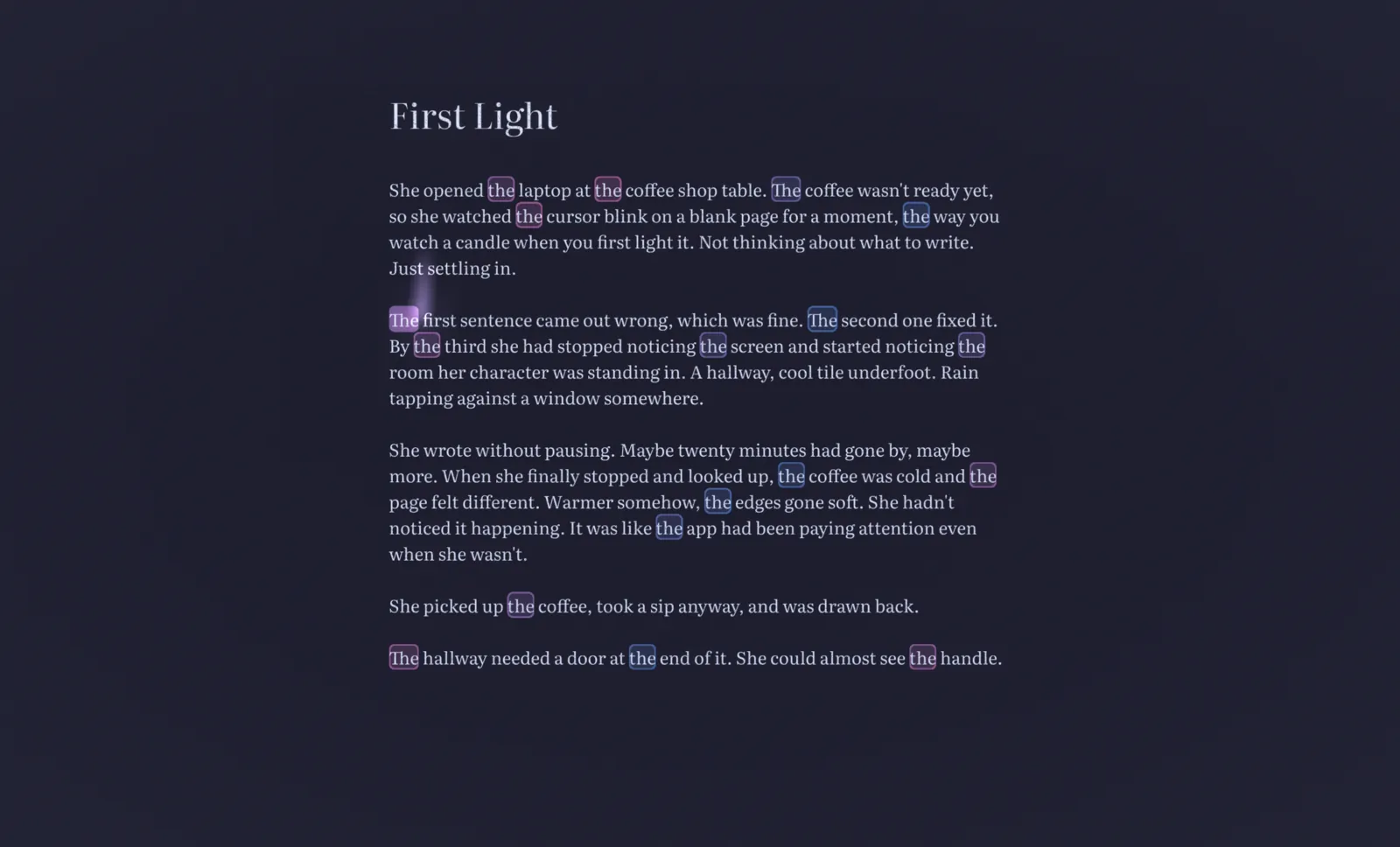
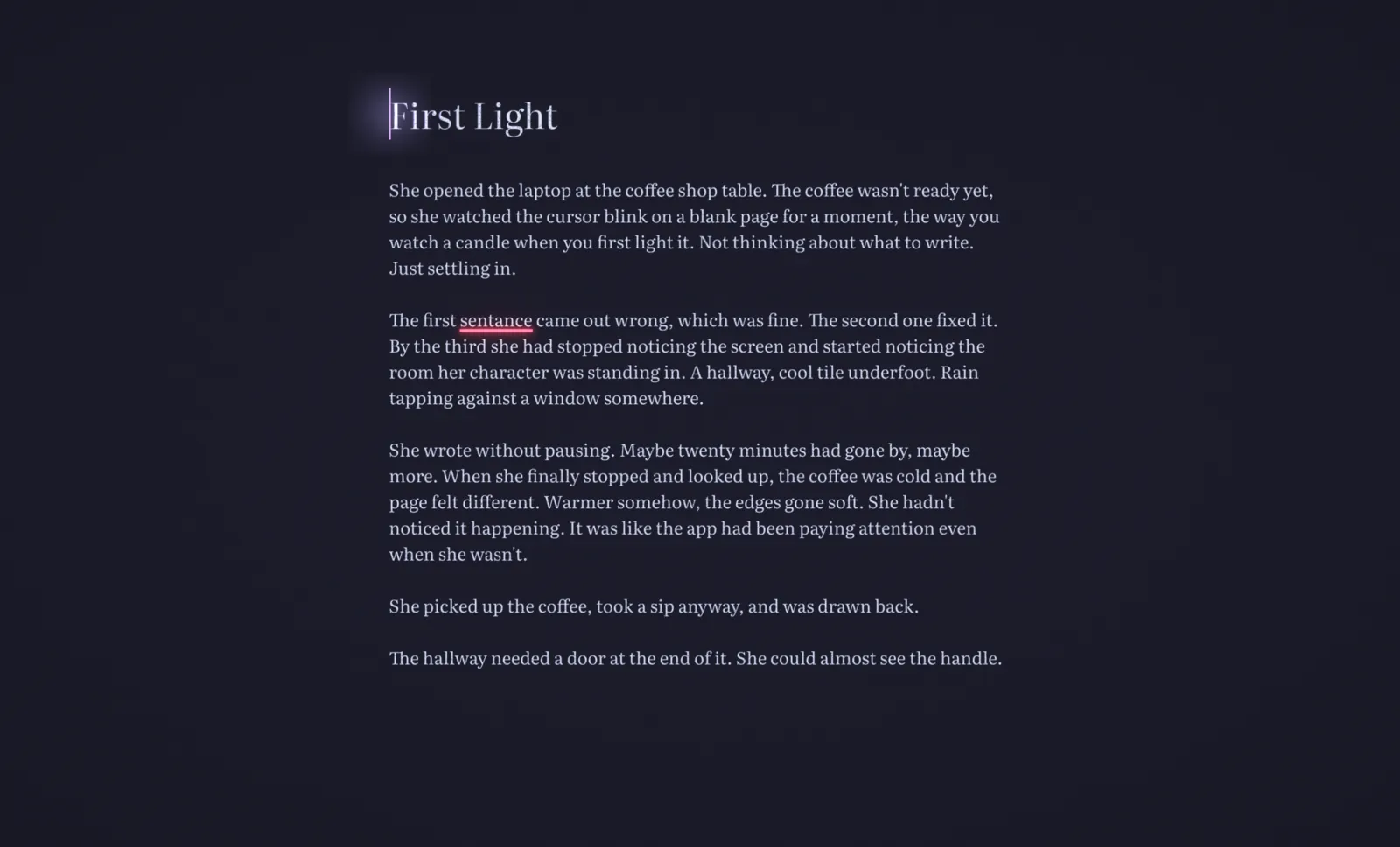
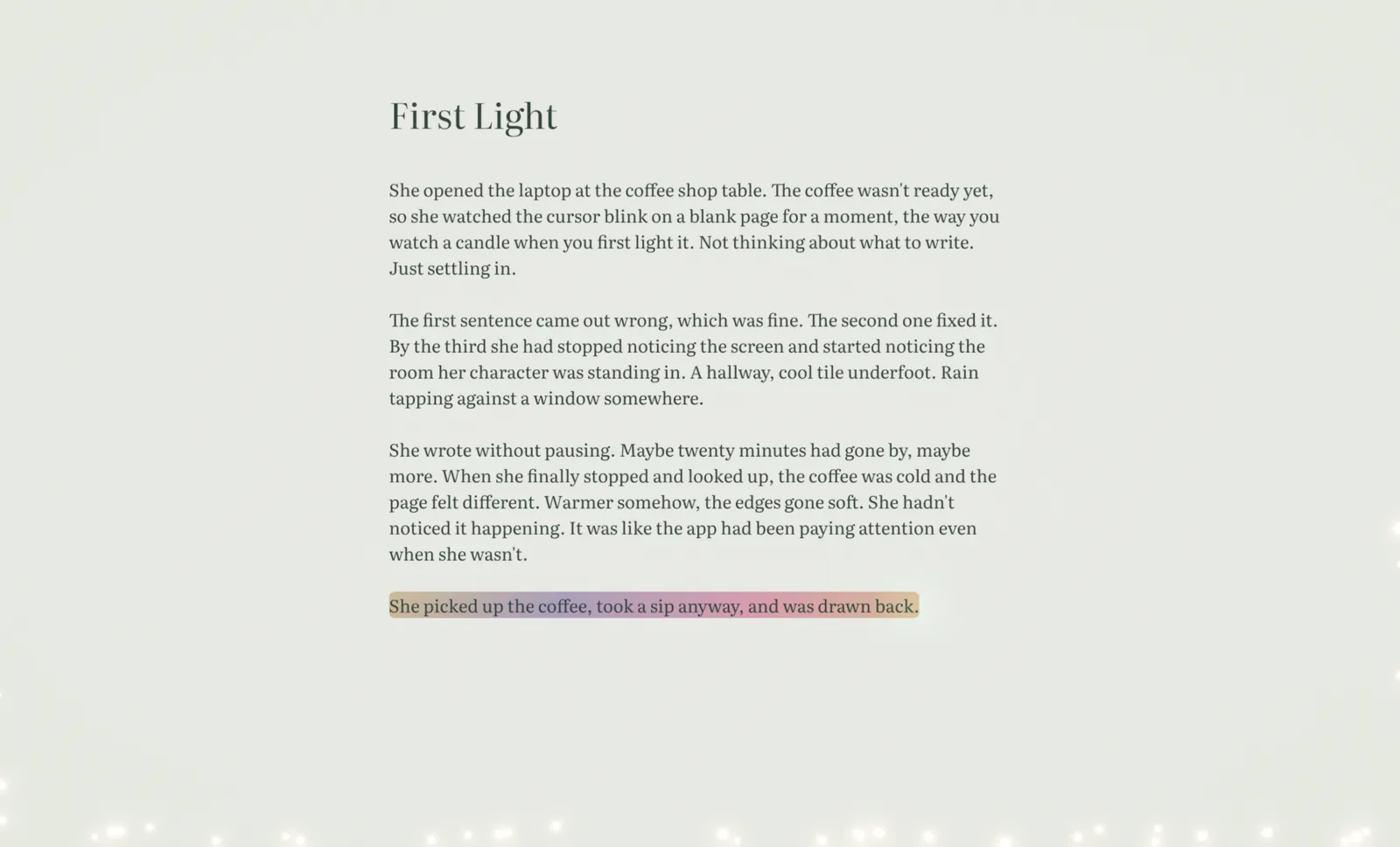
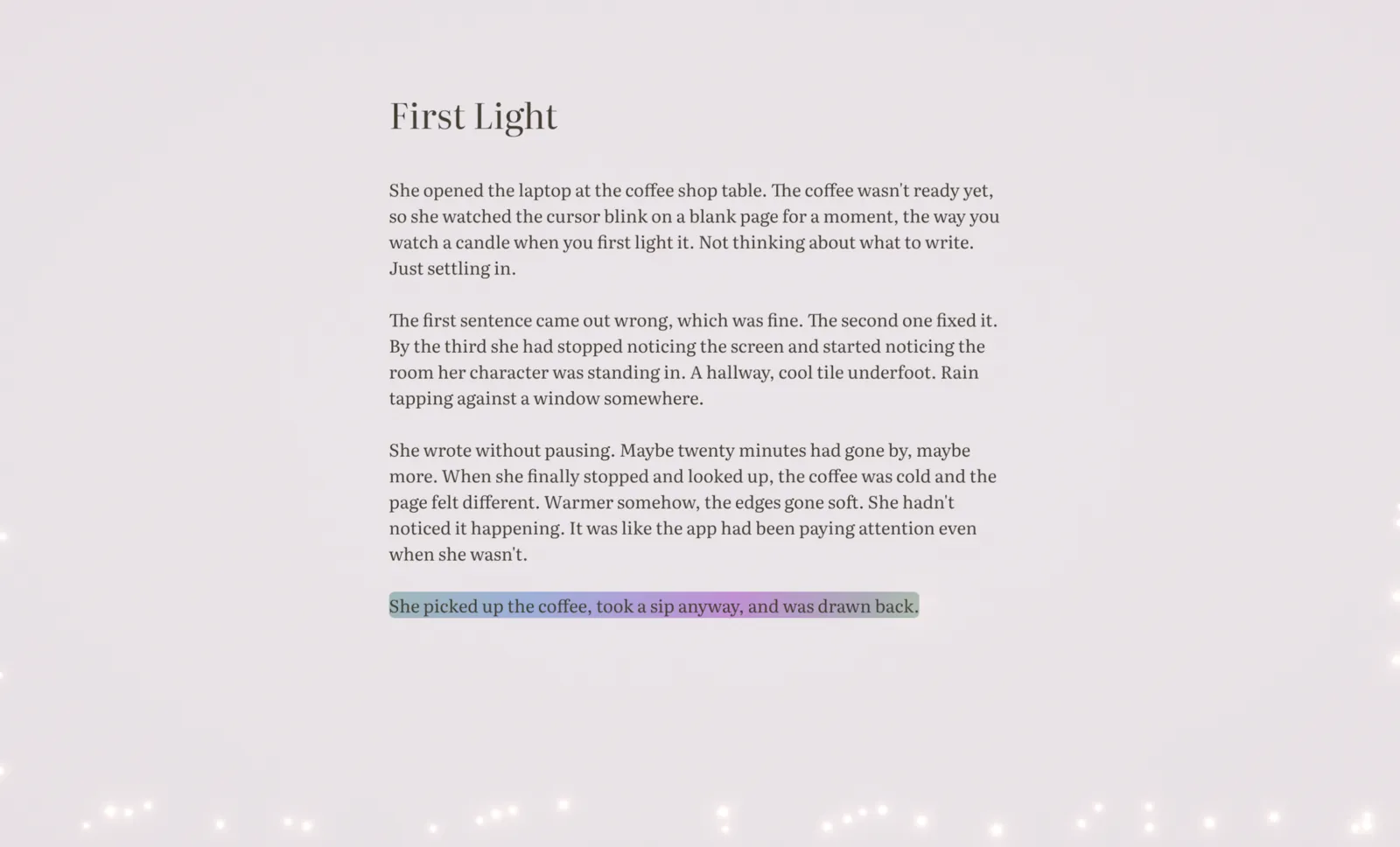
Reverie was built for that moment. Not with a feature list, but with something harder to describe. A page that feels alive. The cursor has a warmth to it. The scroll settles instead of stopping. When the words are flowing, the page knows, and it quietly responds. When you pause, it waits.

You won't notice most of this happening. That's the point.

No AI finishing your sentences. No suggestions hovering at the edge of your attention. If you want to stare at the screen for ten minutes until the right word arrives, that's writing. There was a thought coming. One AI suggestion and it's gone. Reverie just makes the room a little warmer while you work.
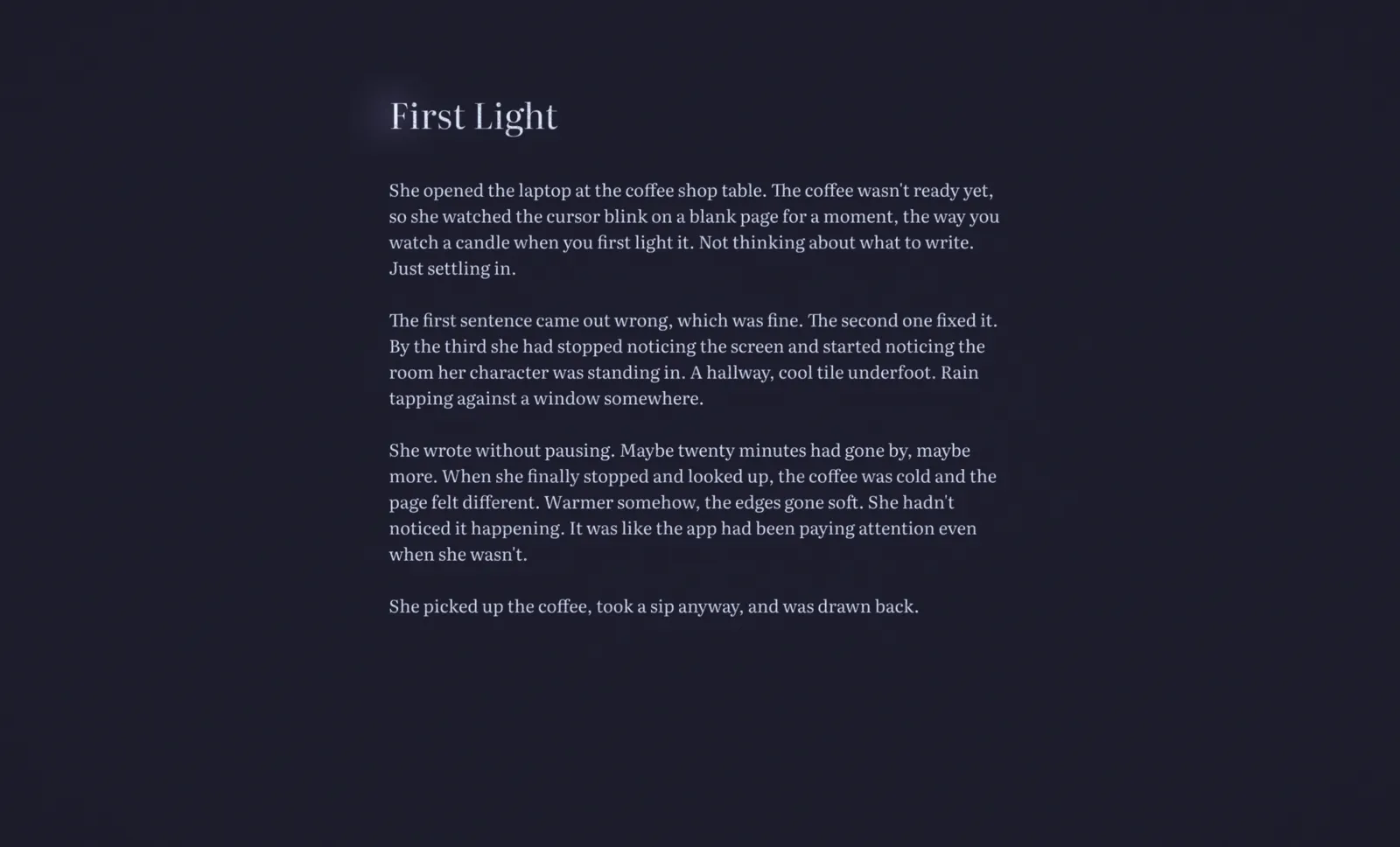
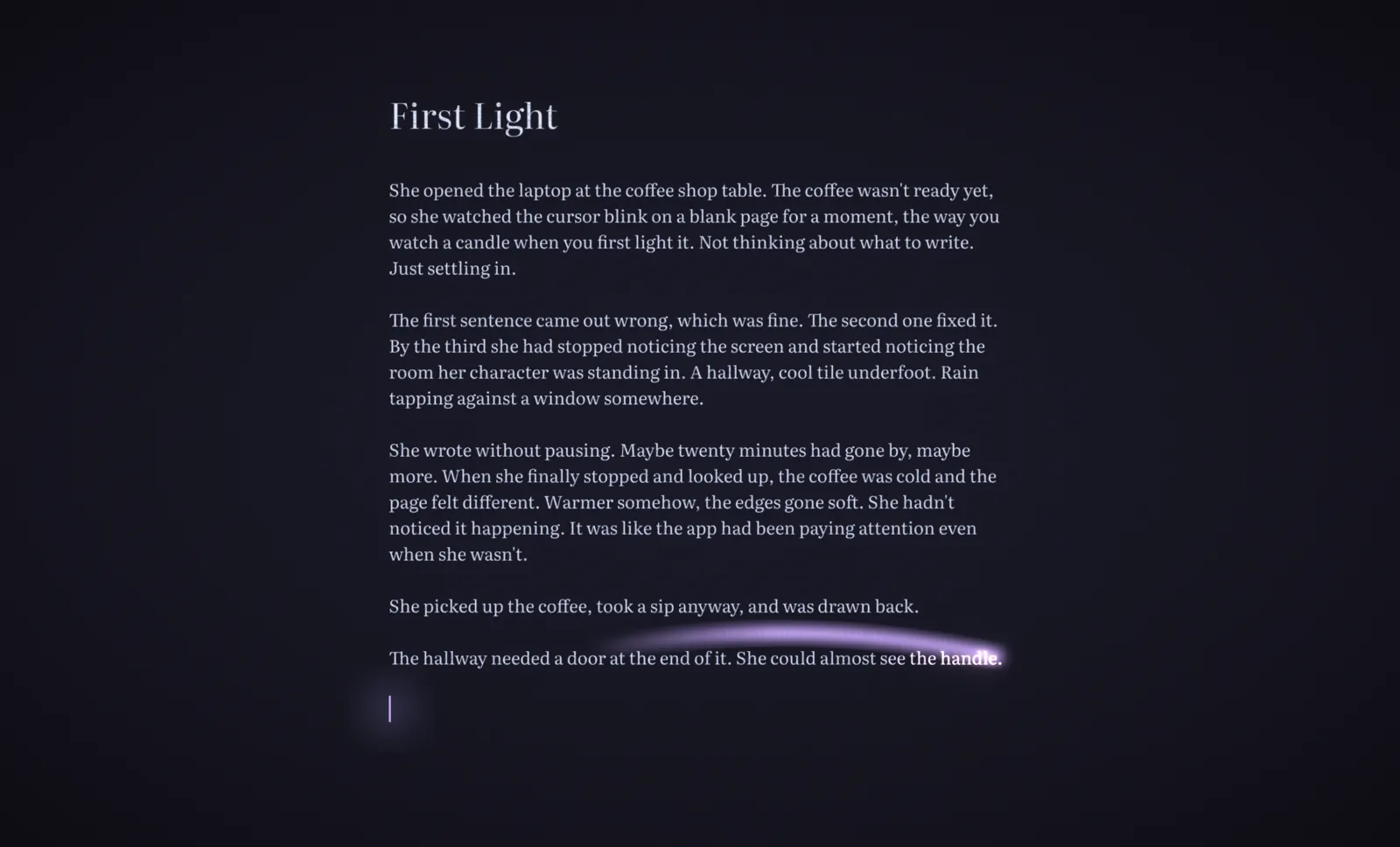
Then you
look up.

Twenty minutes passed. You didn't notice. The words were moving. The page was warm. You forgot to check your word count because you were writing.

Reverie tracks that. Not keystrokes or typing speed. Time in flow: how many minutes of your session the words were actually moving. On the morning the blank page feels impossible, you can look at yesterday and know the words came. They'll come again.

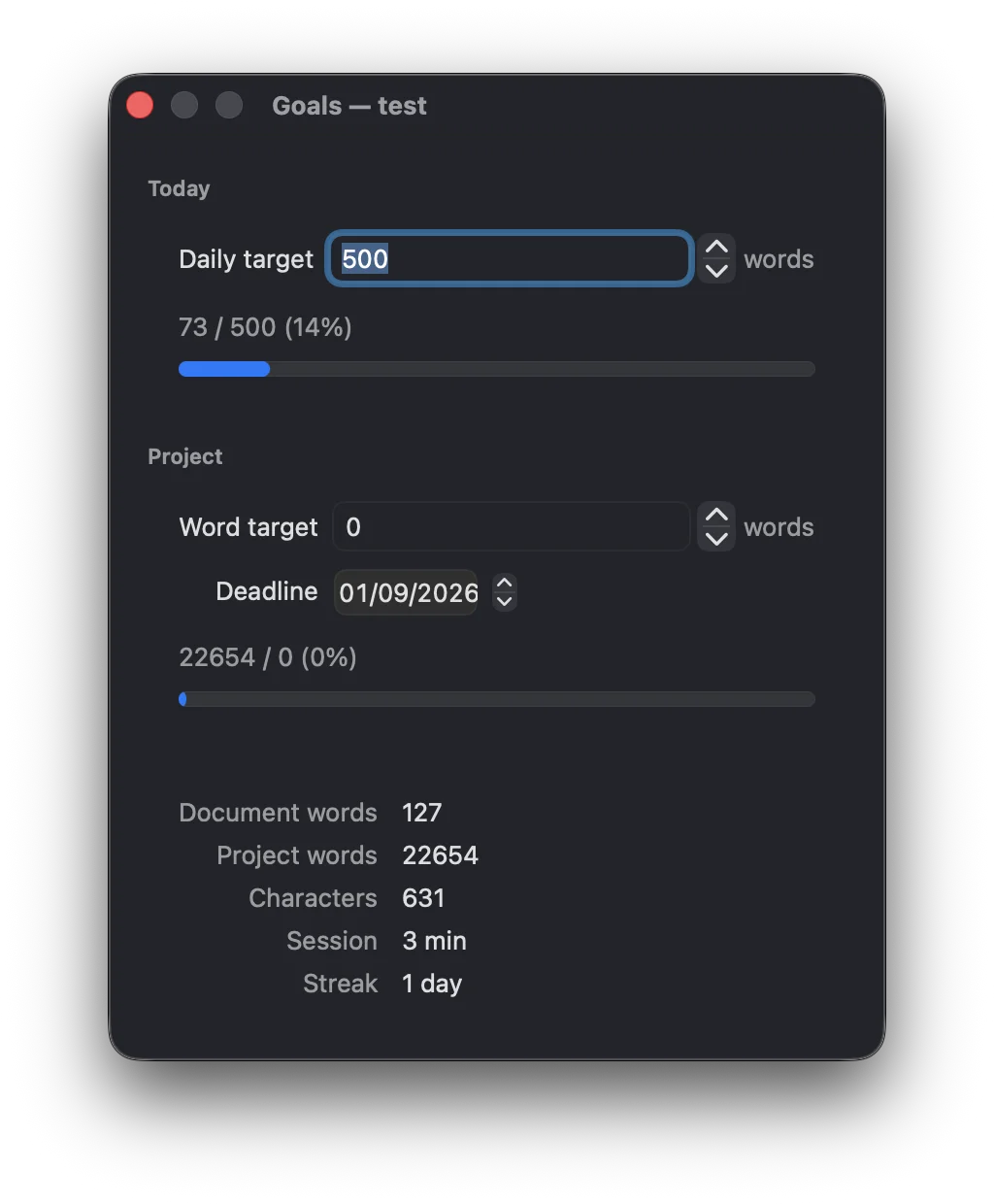
Reverie Goals panel showing daily target, manuscript word count, session time, and writing streak

Set a daily target and Reverie holds it quietly. A manuscript word count. A deadline. A writing streak that grows one day at a time. None of it interrupts the page. You look when you're ready, and what you find is evidence that you showed up.

Built to hold
a whole novel.

When the work gets longer, Reverie grows with it. Save your chapters to a folder and the app treats them as a single manuscript. Switch between files with a keystroke, with the word count rolling up across the whole thing. Nothing sits on the page while you write. It's all there the moment you reach for it.

A long novel keeps its shape here. However many chapters and points of view it grows to, Reverie reads the scene breaks and headings you already wrote and turns them into a list you can move through, so the scene you're hunting for is one keystroke away instead of a long scroll. Drag a scene to where it belongs and the words move with it, the whole passage lifted and set back down in the right place. Drag a chapter and the whole chapter moves the same way, so chapter three can sit before chapter two without a single cut or paste. You never build that list. It's your own draft read back to you, and it waits out of sight until you reach for it.

Then the draft is done. Reverie turns the folder into one manuscript in the format agents and editors expect: Times New Roman, double-spaced, a title page with your name and word count, each chapter starting a fresh page. You don't set any of it up. You wrote on a page that asked nothing of you, and at the end you can send the file to a publisher without opening another app.

Try it. Open a draft. See if the words come easier.

Download the free trial

macOS and Windows. 15 days.

What others say

Video by Protagonist Crafts


Honest tradeoffs.

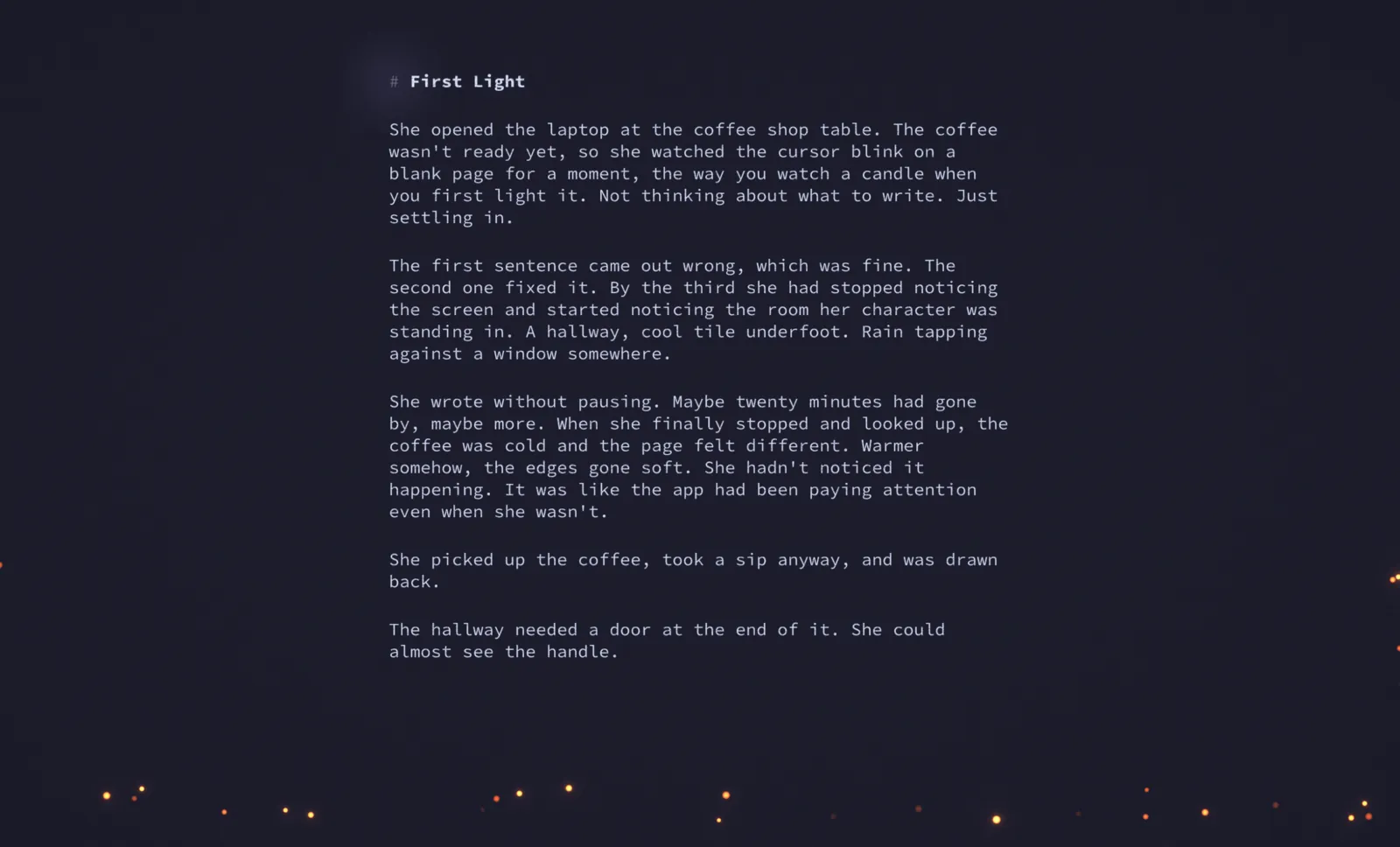
Reverie is opinionated, and that's the point. One typeface, tuned so every line sits right on the page, so you never lose an afternoon to fonts instead of words. No tabs, no plugin store, nothing to set up. When you're writing, the page is all there is. Your files are plain Markdown, saved to your disk. Open them anywhere, with anything, forever.

The same focus means Reverie leaves things out. There's no cloud sync, so your manuscript never leaves your machine. No collaboration, no AI writing in your place. It holds a whole novel, every chapter and scene, and moves any of them into place with a drag. What it won't do is sit you down with a character sheet to fill in or a timeline to build first. That work feels like progress, and it's the surest way to put off the book itself. Reverie has none of it. It gets the words moving and gets them out, as Word, HTML, or Markdown, or a finished manuscript in Shunn format. What happens to them next is your call.

Reverie lets you write in the Latin, Greek and Cyrillic languages you use. We don't support CJK text entry or right-to-left languages, as we felt this was not something our writers wanted.

Reverie works with high-resolution screens, offers three text sizes, and can be used entirely from the keyboard. Exports use proper headings, lists, and formatting that other tools can read. The writing surface itself is not yet accessible to screen readers. We'd rather be upfront about that than pretend it isn't true.

Reverie is a desktop app today, on macOS and Windows. We're working hard on an iOS version and hope to have it out before November.

What you'd expect is here.

  • Distraction-free writing environment
  • Documents organised into manuscripts
  • Quick access across a manuscript
  • Reorder chapters and scenes by dragging
  • Built for full-length novels
  • Word count across the manuscript
  • Daily and manuscript goals and deadlines
  • Export to Word, PDF and HTML
  • Submission-ready manuscript export (Shunn format)
  • Beautiful themes
  • Fullscreen writing mode
  • Rich formatting, or plain text
  • Remembers where you left off
  • Recover anything you deleted
$39.99

Launch pricing through 2026

Regular price: $49.99

Once. Yours.

One purchase. No subscription. macOS and Windows. Plain files on your disk, no cloud account, no lock-in. Built by people with 25 years of making software and a Queen's Award for Innovation behind them. Like buying a good notebook, except this one responds to the way you write.

Spend five minutes writing in Reverie, then open another editor. If something is missing that you can't name, we've got it right.